NAS (NextCloud)

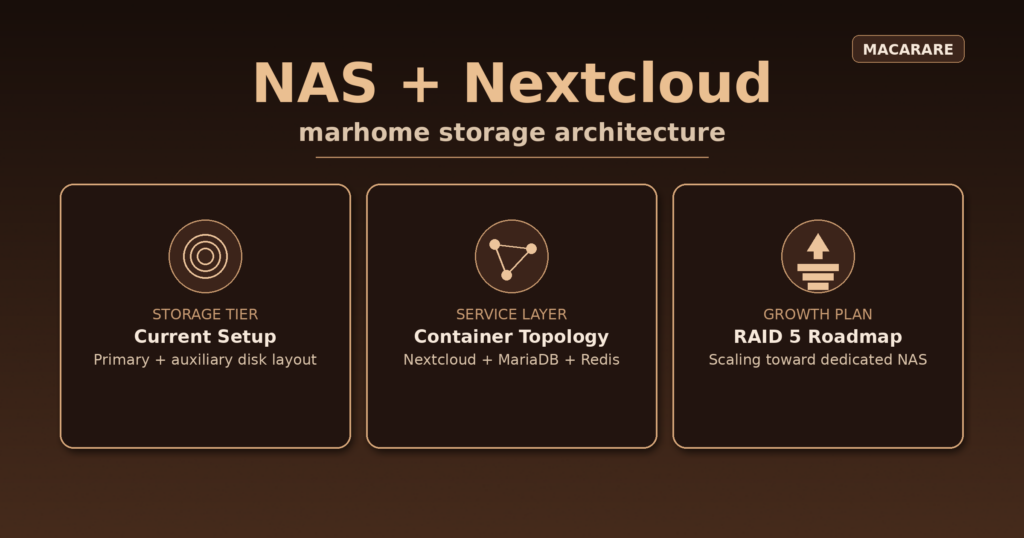
Aligned featured image for NAS and Nextcloud on marhome

How my Nextcloud NAS is configured today

One of the core components of any local server is the NAS layer. At the moment, I am running a pragmatic setup on marhome: instead of buying a full new storage array, I reused the hardware I already had and focused on getting a stable Nextcloud service online first.

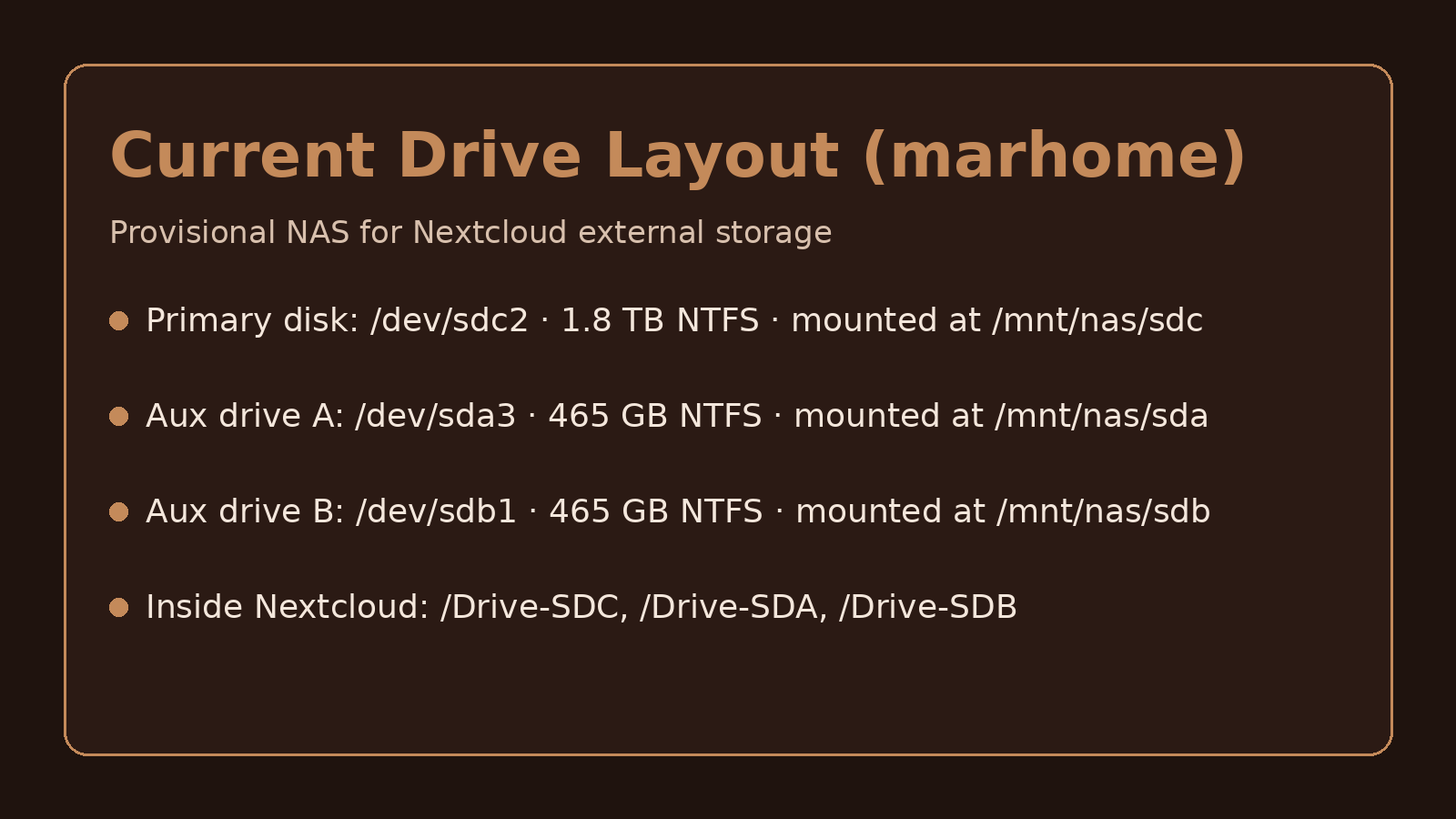
Right now, the main storage disk is a 2 TB SATA drive (mounted as /mnt/nas/sdc, device /dev/sdc2). This is my primary data path for daily usage. I also keep two older 500 GB SATA drives (/dev/sda3 and /dev/sdb1, mounted as /mnt/nas/sda and /mnt/nas/sdb) as auxiliary copies for important files. It is still a provisional design, but it gives me practical redundancy while I scale.

Nextcloud stack on marhome

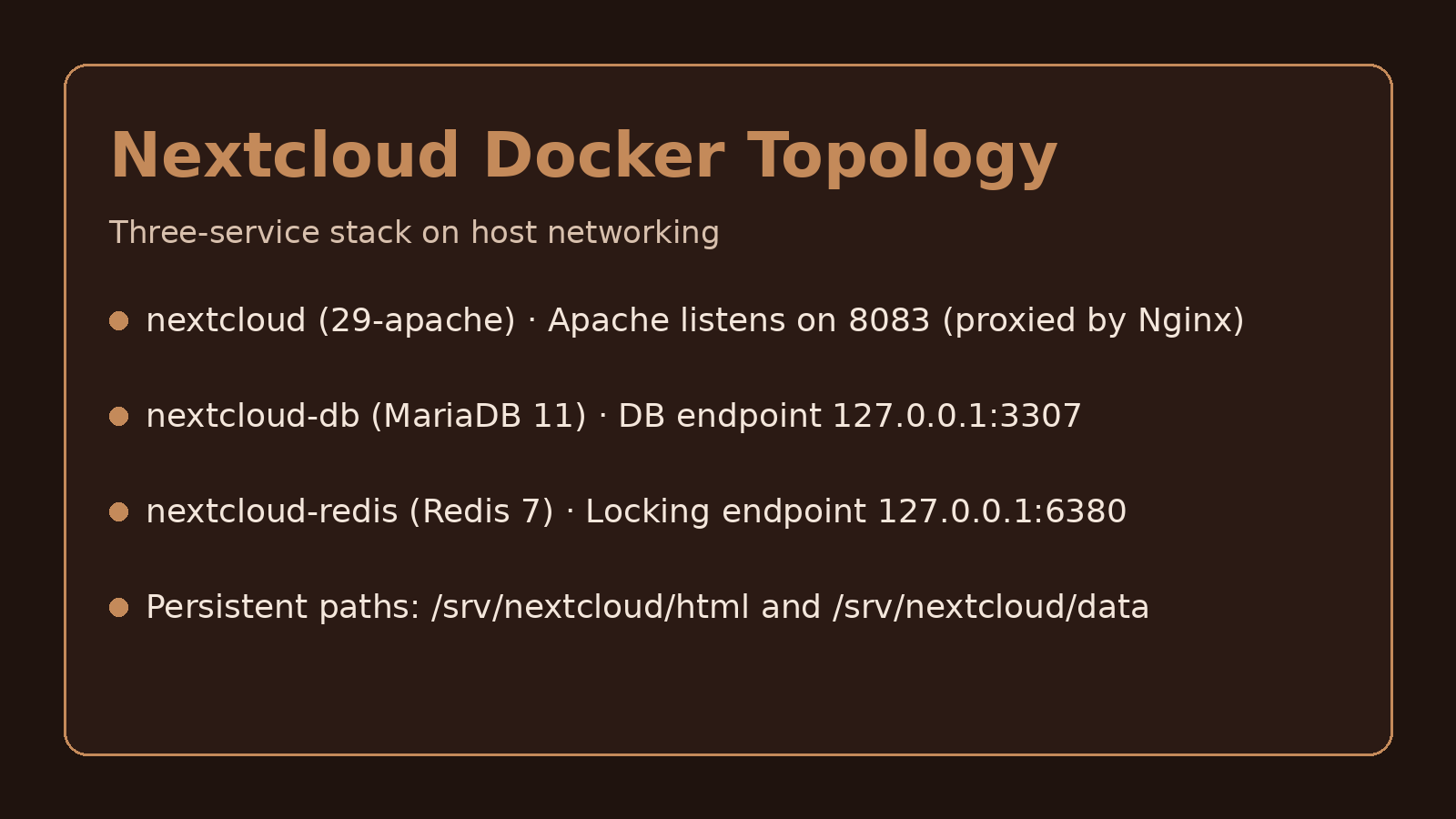
The service runs in Docker with three containers in host networking mode: nextcloud, nextcloud-db (MariaDB 11 on port 3307), and nextcloud-redis (Redis on port 6380 for file locking). Nextcloud itself is served by Apache on 8083 and exposed through my Nginx layer.

Persistent app files live in /srv/nextcloud/html, core user data in /srv/nextcloud/data, and the three NAS mounts are injected into the container as /mnt/external/sda, /mnt/external/sdb, and /mnt/external/sdc. Through Nextcloud External Storage, these are published as /Drive-SDA, /Drive-SDB, and /Drive-SDC.

Operationally, this gives me a clean split between application state, database/locking services, and storage tiers. The 2 TB disk carries the main workload, while the 500 GB disks cover secondary copies for important data so a single-disk issue is less disruptive.

Where this is going next

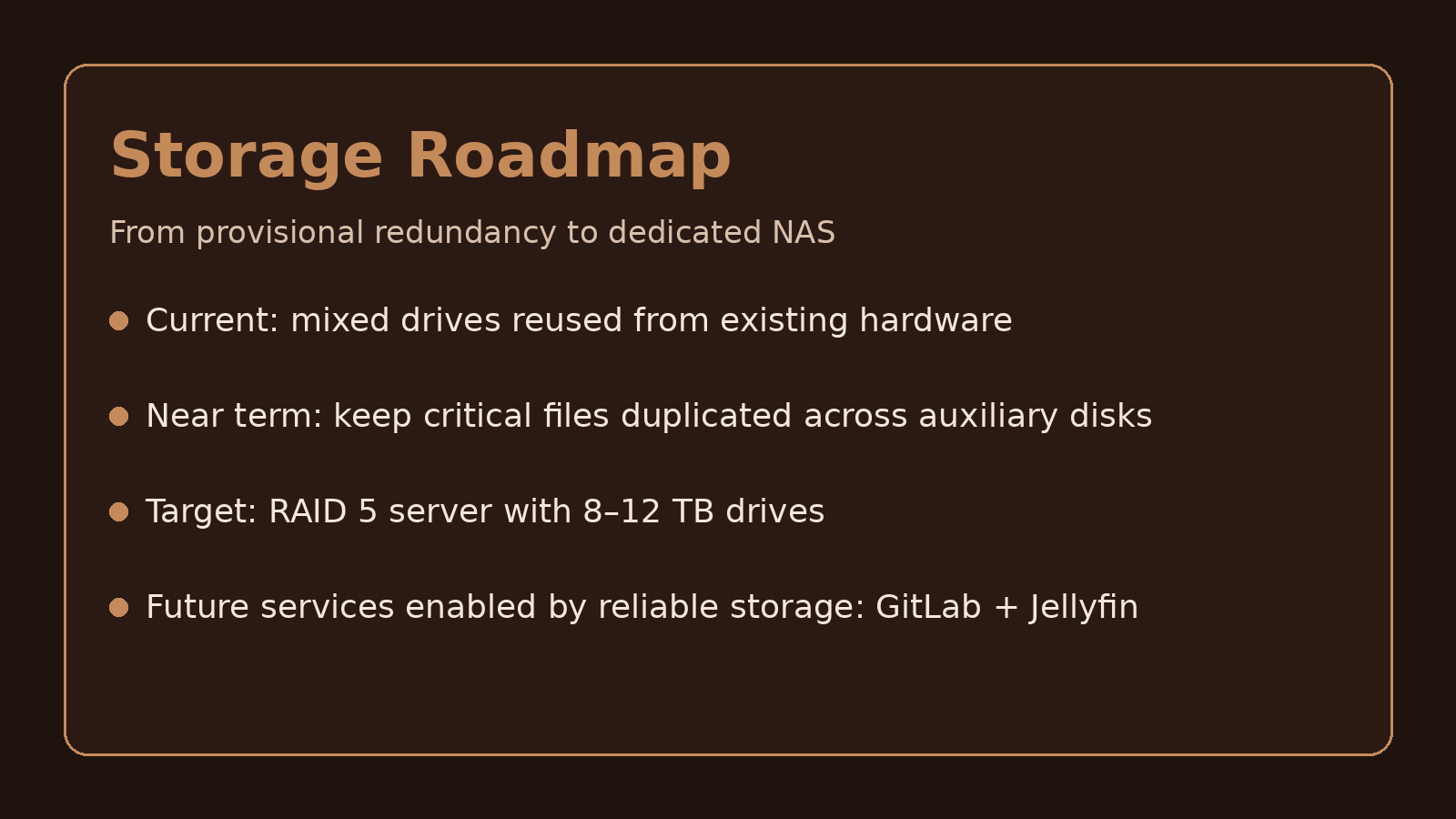
My target is a dedicated RAID 5 NAS with 8–12 TB drives. That will turn this provisional setup into a properly fault-tolerant storage base and unlock more local services that depend on reliable capacity, such as GitLab and Jellyfin.
NAS Drive Layout (marhome)

Current Drive Layout

Primary disk: /dev/sdc2 (1.8 TB) mounted at /mnt/nas/sdc, exposed in Nextcloud as /Drive-SDC. This is the main storage tier for day-to-day data.

Nextcloud Docker Topology

Nextcloud Docker Integration

Three-container architecture: Nextcloud app, MariaDB on 3307, and Redis on 6380. Persistent paths are /srv/nextcloud/html and /srv/nextcloud/data, with Nginx proxying Apache on 8083.

NAS Roadmap RAID5

Roadmap to Dedicated NAS

Current redundancy comes from two older 500 GB drives (/mnt/nas/sda and /mnt/nas/sdb). The next step is a RAID 5 build with 8–12 TB disks for long-term reliability and service expansion.

Skills Developed

Storage
Architecture

Designed a practical NAS layout on marhome using mixed-capacity disks with clear primary and auxiliary roles.

Data
Redundancy

Implemented a provisional redundancy strategy with auxiliary drive copies to protect important files while scaling.

Containerized
Nextcloud

Built and operated the Nextcloud stack in Docker with MariaDB and Redis, including persistence and health checks.

Mount & Access
Integration

Integrated external disk mounts into Nextcloud External Storage so each drive is exposed as a usable path.

RAID Roadmap
Planning

Defined the migration path toward a dedicated RAID 5 server with 8–12 TB disks for long-term reliability.

What comes next

Aligned featured image for NAS and Nextcloud on marhome

NAS (NextCloud)

Dedicated overview of my current Nextcloud NAS setup on marhome: drive layout, Docker architecture, and RAID-5 roadmap.

Monitoring

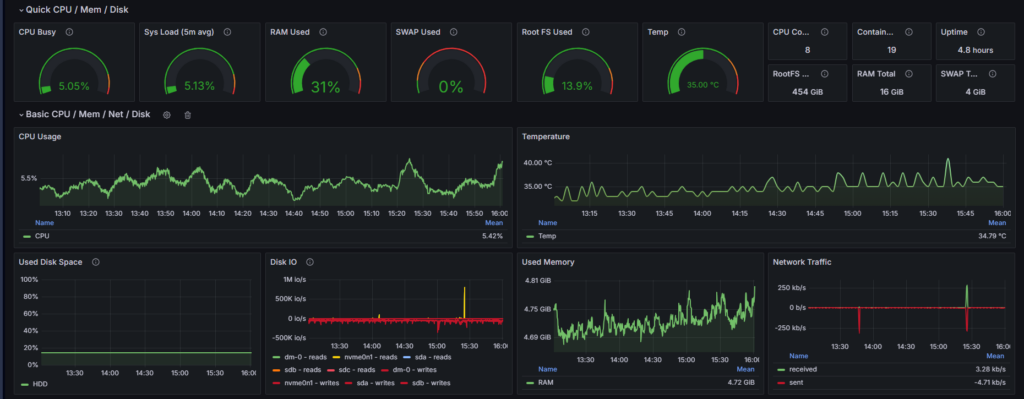
Monitoring stack walkthrough with corrected dashboard-section copy and improved Plausible + WordPress operational narrative.

WordPress

WordPress is the world’s most popular open-source content management system (CMS), powering millions of websites and blogs. It is known for its flexibility, ease of use, and a vast ecosystem of plugins and themes.

NGINX

Nginx is a high-performance web server and reverse proxy, widely used for serving static content, acting as a secure TLS gateway, and efficiently routing traffic to backend services. It is known for its speed, reliability, and flexibility in handling modern web workloads.

Openclaw

OpenClaw is an intelligent interface that enables automated workflows across multiple services. It runs locally and connects seamlessly to powerful language models such as Claude, DeepSeek, or OpenAI’s GPT. Users interact with OpenClaw through a chatbot integrated into messaging platforms like Signal, Telegram, Discord, or WhatsApp. Configuration data and interaction history are stored locally, allowing for persistent and adaptive behavior across sessions.